For veterinary clinics
Working with veterinary clinics
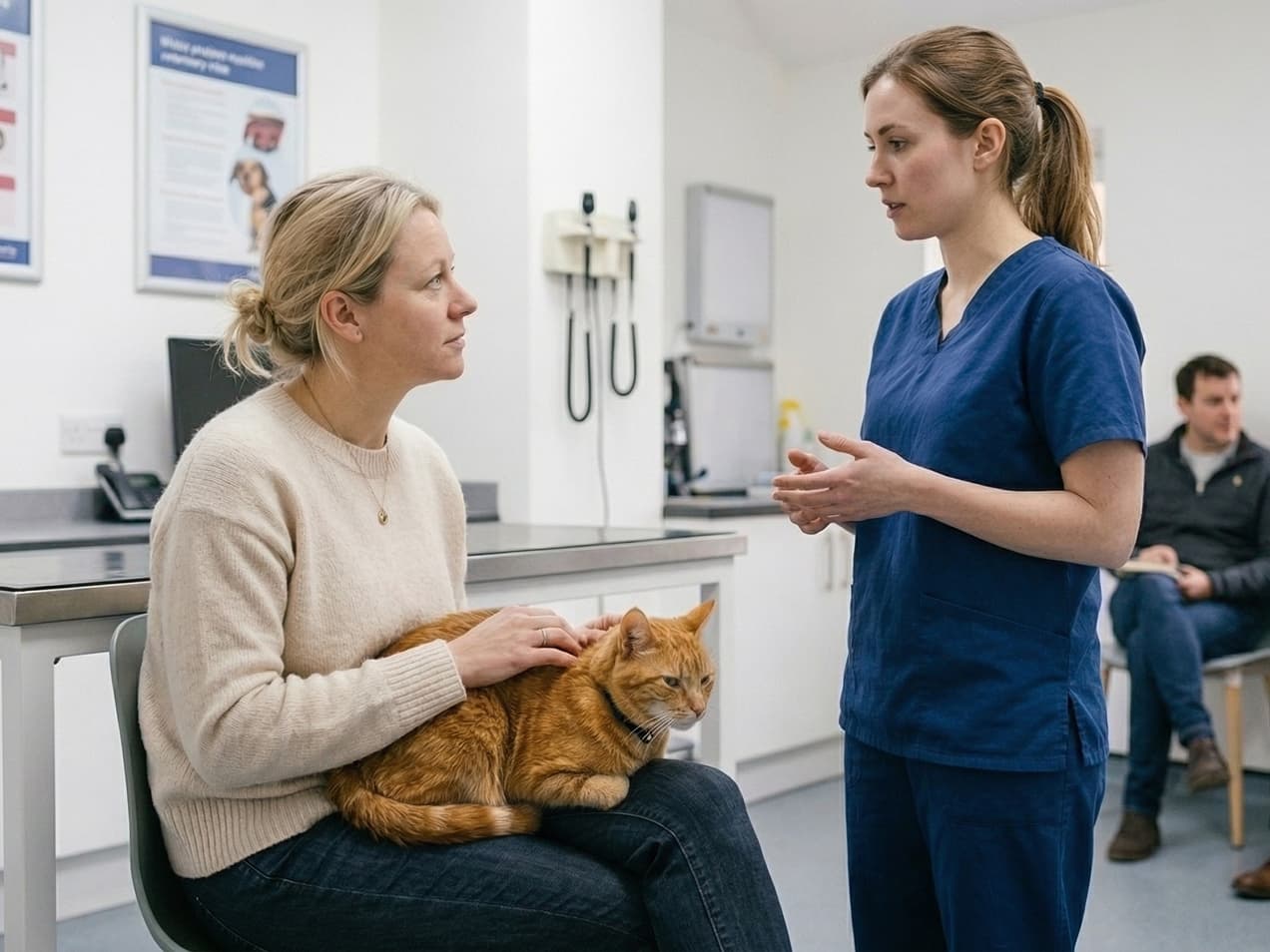
We work with veterinarians throughout Latvia. Partner clinics have their own account where they can request cremation and see the status of every order.
Partner account
dzivniekukremacija.lv/sistema
Sign in with the e-mail and password you set after your invitation.
No account yet? Become a partner
- Submit from a computer or tablet
- You only see your own clinic's orders
- An e-mail at every status change
Inside the portal
Here is what it looks like
An example with made-up data: a clinic orders a cremation, and the order goes through every stage until the ashes are handed over.
- The portal itself is in Latvian.
- 01
Request cremation
Animal, owner, cremation and transport details in one form — on a tablet or a computer.
- 02
See only its own orders
Each clinic has its own account. Other clinics’ orders, prices and our internal notes are not shown.
- 03
Follow the status
Every order shows its status and a timestamped history — from the request to the return of the ashes.
- 04
Get notifications
The clinic receives an e-mail with the order number whenever the status changes.
- 05
Message us in the order
Write a question directly in the order — our reply appears in its history.
- 06
Find orders
Search by order number, animal name, owner, phone or chip number, and filter by status and date.
Getting started
How to start working with us
- 1Contact usCall or write to us and we’ll discuss the terms.
- 2We create your clinic accountWe e-mail you a link for setting your own password.
- 3Request cremationUse the account on a computer or tablet. On an iPad you can add it to the home screen as an app.
Partner application
Become a partner
Fill in the application and we will get in touch. We then create your clinic account and send a link for setting your password to the e-mail you give us.
How does a clinic start using the portal?
Contact us and we will discuss working together. We create a clinic profile and e-mail you a link for setting your password. You can log in from a computer or a tablet.
What does the clinic see in the portal?
Only its own orders: animal and owner details, cremation type, transport, status and order history. Prices, our internal notes and other clinics’ orders are not shown — this is enforced by the database, not just the interface.
What happens after the clinic creates an order?
Our staff are notified by e-mail straight away and check the order. The pet’s owner then receives a waybill and a payment link by e-mail, and the status changes to “Awaiting payment”.
Can an order be changed?
Yes, while its status is “New request”. Once we have checked it, changes are made by our staff — write a message in the order or call us.
Which services can be chosen in the order form?
The clinic can set the cremation type, transport, euthanasia and the farewell room. The urn, video, removal from the LDC register and ash delivery are arranged by us directly with the owner.
Does the clinic receive notifications?
Yes. The clinic receives an e-mail with the order number and a link to it whenever the status changes. If you don’t need them, let us know and we will switch them off.
What if I forget my password?
On the login page choose “Aizmirsāt paroli?” and enter your e-mail — we will send you a link for setting a new password.
How are orders numbered?
Each clinic has its own order number prefix, for example KEP-0142, so your orders are easy to recognise and find.

For veterinary clinics
Talk to professionals you can trust
We’re here to answer your questions and help you plan the next steps. We are available around the clock, with no extra fee for night calls.